

Quick answer: what changed in WooCommerce 10.0?
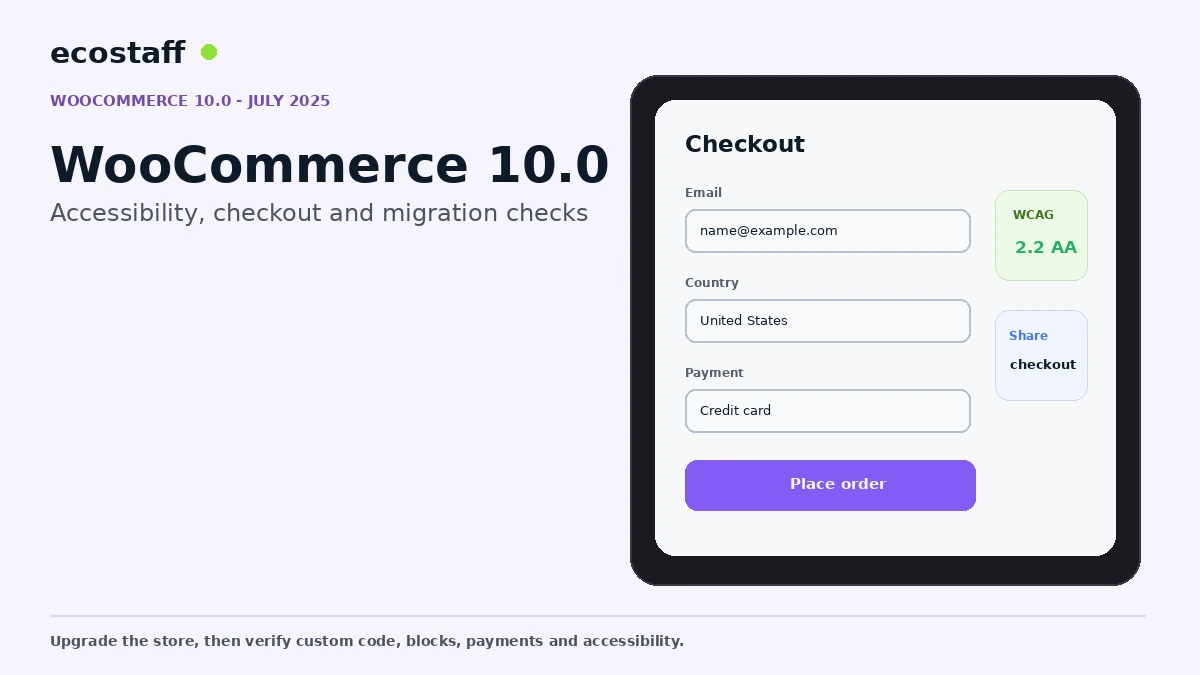
WooCommerce 10.0 was released in July 2025, with WooCommerce 10.0.2 becoming the first stable tag of the 10.0.x series on July 14. The release emphasized frontend accessibility, shareable checkout URLs, coupon improvements, richer CSV product imports and changes to Cart, Checkout and Product blocks.
For store owners, this was a meaningful platform update but not a reason to update production without testing. WooCommerce 10.0 included database updates, and the early 10.0.x cycle also received stabilization fixes. Existing themes, session-handler customizations, Product Details blocks, payment extensions and checkout customizations deserved staging QA.
WooCommerce major releases are most useful when read through the actual store architecture. A standard store using current block templates may benefit quickly. A heavily customized store with old templates, direct overrides, payment extensions and custom product blocks needs a more deliberate upgrade process.
WooCommerce 10.0 also reflected a broader direction: the platform was investing in accessible block-based commerce, simpler checkout workflows and lower-code merchant customization.
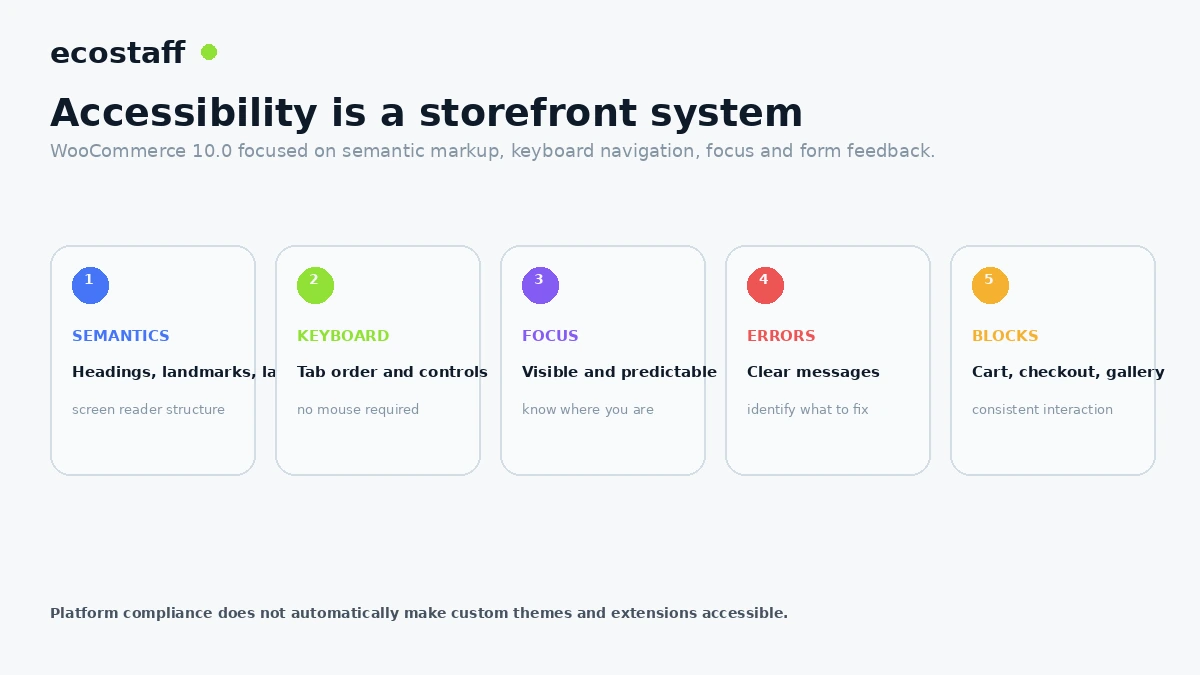
1. Accessibility became a major release theme
WooCommerce described frontend accessibility improvements designed to achieve WCAG 2.2 AA conformance when used with a core WordPress or accessibility-ready theme. The work included semantic markup, form feedback, keyboard navigation and focus management across block-based areas.
That does not mean every WooCommerce store automatically became WCAG-conformant. Custom themes, page builders, plugins, injected widgets and merchant content can all introduce accessibility failures.
2. Shareable checkout URLs opened new campaign workflows
WooCommerce 10.0 added shareable checkout URLs that can populate a cart with selected products and send the customer directly to checkout. This can be useful for bundles, email campaigns, support-assisted orders and specific promotional offers.
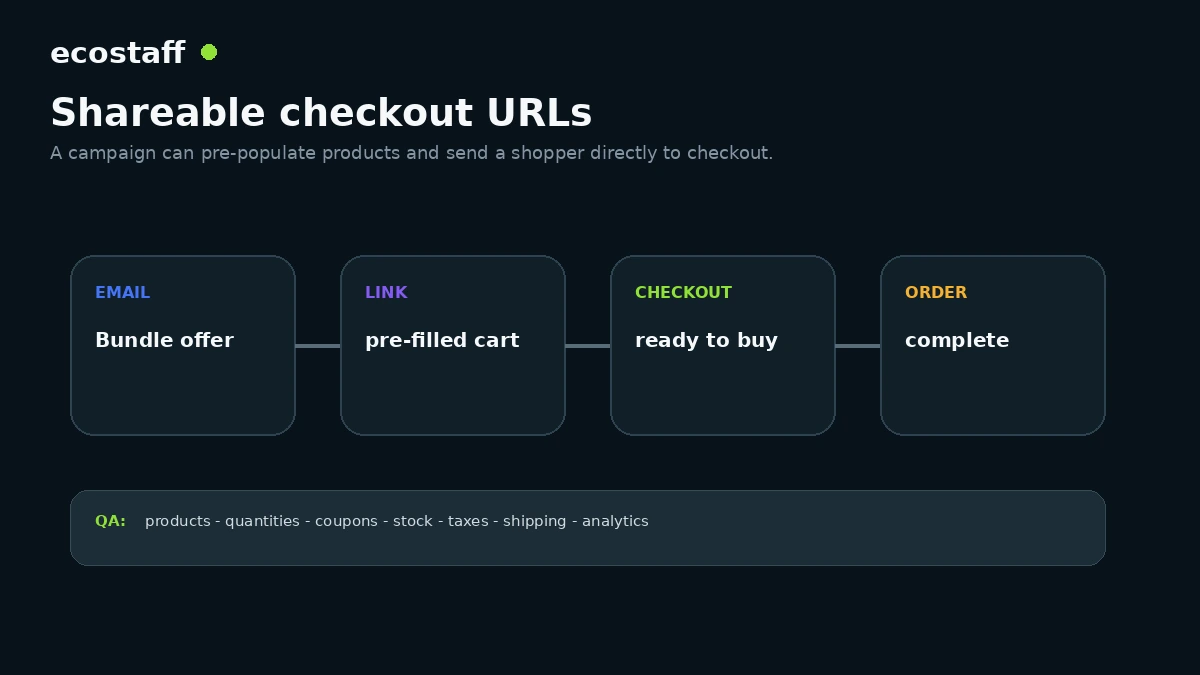
Treat the URL as a commerce flow, not only a link. Test quantities, stock, taxes, shipping, payment methods, coupon interactions, analytics and what happens if a product becomes unavailable.
3. Coupon management improved
WooCommerce 10.0 included coupon usability improvements intended to make promotions easier to manage. Merchants preparing campaign calendars should still test coupon combination rules and edge cases with subscriptions, bundles or custom pricing.
4. CSV product import supported richer content
The enhanced product importer added support for HTML-rich content in CSV imports while preserving security controls. That can reduce cleanup work for merchants migrating or bulk-managing complex product descriptions.
Import quality still depends on source data. Validate encoding, media references, variation relationships, taxonomy values and whether HTML is actually necessary.
5. Cart and Checkout blocks moved toward cleaner responsive behavior
WooCommerce 10.0 introduced CSS Container Query support for Cart and Checkout blocks. This allows child components to adapt based on their container width without relying on JavaScript-added size classes.
For custom themes, this is a reason to review overrides and styling assumptions. Legacy classes remained for compatibility, but WooCommerce recommended moving toward container queries.
6. Cart totals became simpler
The release removed the shipping calculator section from the Cart block totals area and pushed shipping calculation more clearly toward checkout. That changes the customer journey slightly and should be reviewed if the store previously depended on cart-level shipping estimation.
7. Product Gallery Beta changed structure
WooCommerce warned that Product Gallery Beta block changes were breaking for stores that had already inserted the beta block. The recommended path was to reinsert the block in the editor.
This is a reminder that beta blocks should be treated differently from stable production components. Merchants using experimental blocks need a clear upgrade and rollback plan.
8. Early 10.0.x stabilization matters
WooCommerce issued dot releases during the 10.0 cycle to address session handling, Product Details migration and compatibility issues. A production team should therefore test the latest stable patch release rather than treating the .0 announcement as the only version that matters.
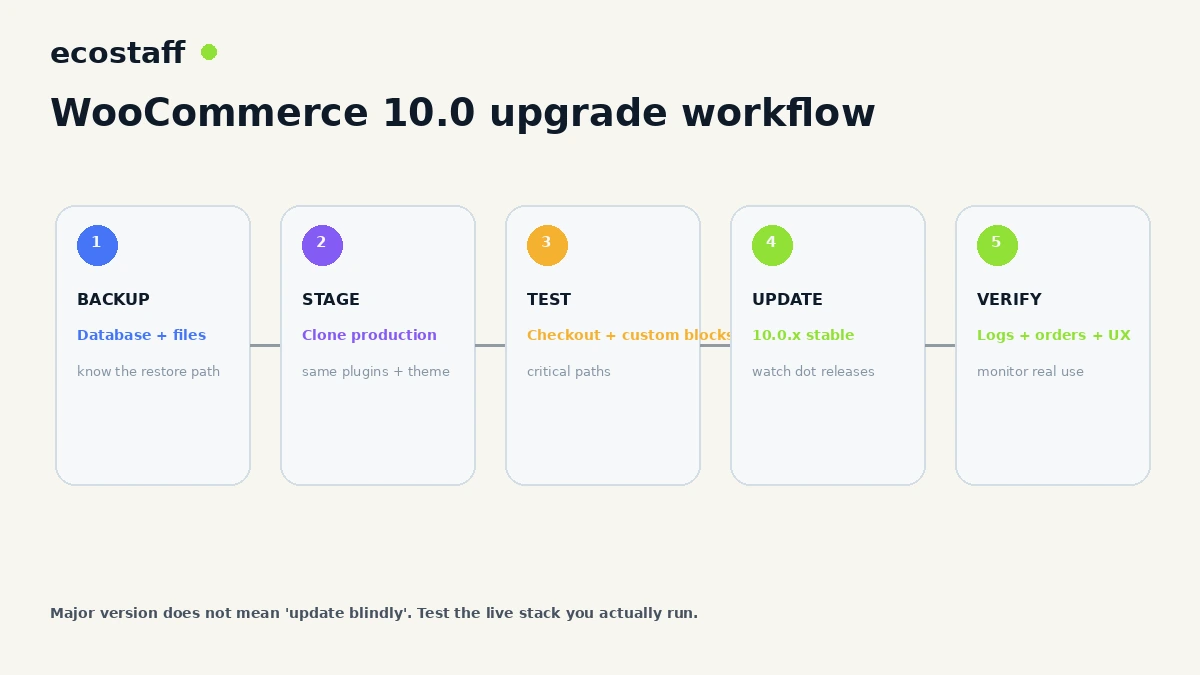
A safer WooCommerce 10.0 upgrade workflow
- Create and verify a fresh database and file backup.
- Clone production to staging with the same theme and plugin set.
- Update WooCommerce and all critical extensions in staging.
- Review WooCommerce status reports and logs.
- Test guest and logged-in checkout.
- Test all payment methods used in production.
- Validate coupons, shipping, tax and refunds.
- Review custom templates and block styling.
- Check Product Details and gallery blocks if used.
- Run keyboard and screen-reader spot checks on the purchase path.
- Verify analytics, pixels and consent behavior.
- Deploy during a monitored window with a rollback plan.
Accessibility QA checklist
| Area | Check | Failure example |
|---|---|---|
| Navigation | Full purchase path usable by keyboard | Focus gets trapped in cart drawer. |
| Forms | Labels and errors are understandable | Checkout error shown only by color. |
| Focus | Visible focus state | Button focus cannot be seen. |
| Semantics | Logical headings and landmarks | Visual layout has no meaningful structure. |
| Product gallery | Controls announced correctly | Carousel buttons have unclear labels. |
| Checkout | Updates communicated accessibly | Shipping method changes without feedback. |
When should an agency handle the upgrade?
A standard store with current extensions may not need an agency. External help is more valuable when the store has custom checkout logic, bespoke Product or Cart blocks, old template overrides, custom session handling, ERP integrations or strict accessibility requirements.
Ecostaff lists WooCommerce-focused companies. For order-storage architecture, also see WooCommerce HPOS in 2024.
What to review before updating a customized WooCommerce store
WooCommerce stores often accumulate customizations over years, and the most fragile code is not always visible in the theme. Review must-use plugins, snippets, child-theme overrides, payment gateway customizations, custom REST endpoints, scheduled actions and any integration that reads order or product data directly.
Template overrides
WooCommerce status tools can reveal outdated template overrides. An override may continue to render while missing newer hooks, accessibility improvements or structural changes. Do not update the template file mechanically. Compare the current WooCommerce template with the customized version and reapply only the changes that are still required.
Session and cart customizations
The early 10.0.x stabilization fixes included session-handler behavior. Stores with custom cart persistence, headless front ends, membership logic or payment extensions should test session continuity carefully across login, cart, checkout and return visits.
Product blocks
Stores using experimental or heavily customized Product Details and Product Gallery blocks should test editor migration and frontend output. Screenshot comparison is useful, but functional tests are more important: variant selection, image controls, add to cart, keyboard navigation and responsive behavior.
Create an accessibility test that matches commerce reality
Accessibility testing should follow the purchase path, not a random page sample. Choose a realistic product with variations, add it to cart, apply a coupon, change quantity, move through checkout, trigger at least one validation error and complete an order using keyboard navigation.
- Open the navigation and reach search without a mouse.
- Navigate a product gallery and variation controls.
- Add the correct variant to cart.
- Change quantity and remove an item.
- Trigger and correct a coupon error.
- Move through checkout fields in logical order.
- Trigger an address or payment validation message.
- Confirm focus moves to or announces the error state.
- Complete payment in a test environment.
- Review order confirmation and account creation.
Shareable checkout URLs: practical use cases
| Use case | Why it helps | Risk to test |
|---|---|---|
| Email bundle | Shortens the path from campaign to checkout | Expired stock or changed bundle contents |
| Support-assisted order | Agent sends a ready cart | Customer-specific pricing or tax context |
| Influencer campaign | Links directly to featured products | Attribution and coupon stacking |
| B2B reorder | Preloads recurring items | Minimums, quantity rules and account pricing |
| Landing page CTA | Reduces intermediate clicks | Shipping and payment options still match expectations |
Post-update monitoring
After production deployment, monitor more than error logs. Compare checkout completion, payment failures, cart abandonment, support tickets and analytics events with the pre-update baseline. A technical update can be error-free while still changing customer behavior through layout, copy or interaction differences.
- PHP and JavaScript errors.
- Failed scheduled actions.
- Payment gateway declines or callback issues.
- Coupon and promotion errors.
- Checkout conversion and abandonment.
- Order email delivery.
- Analytics purchase event duplication.
- Accessibility regressions reported by users.
Frequently asked questions
Was WooCommerce 10.0 backward compatible?
WooCommerce described the release as backward compatible, but backward compatibility does not guarantee every third-party plugin or custom override is problem-free. Staging remains important.
Did WooCommerce 10.0 require database updates?
Yes. WooCommerce’s release information noted database updates in the 10.0 release cycle.
Does WooCommerce 10.0 make every store accessible?
No. Core improvements create a better foundation, but the final store also depends on theme, extensions, content and custom code.
Are shareable checkout URLs safe for every promotion?
They are useful, but merchants should test stock, quantities, coupons, shipping, taxes and analytics for the exact campaign flow.
Sources and further reading
- WooCommerce Developer Blog – WooCommerce 10.0: Investing in Accessibility
- WooCommerce Developer Blog – WooCommerce 10.0 pre-release updates
- WooCommerce Developer Blog – WooCommerce 10.0.1 – 10.0.2 dot release
- WooCommerce – Ecommerce essentials, reimagined
Conclusion
WooCommerce 10.0 was not just a version-number milestone. Accessibility, checkout links, richer imports and block behavior all affect real store operations. The safest upgrade strategy is to test the live stack rather than assuming core backward compatibility covers every customization.
For merchants, the release also reinforced a useful direction: move toward supported block and API patterns, keep extensions current and treat accessibility as part of the commerce system rather than a final design check.