

Quick answer: what was the Shopify Checkout Extensibility deadline in 2024?
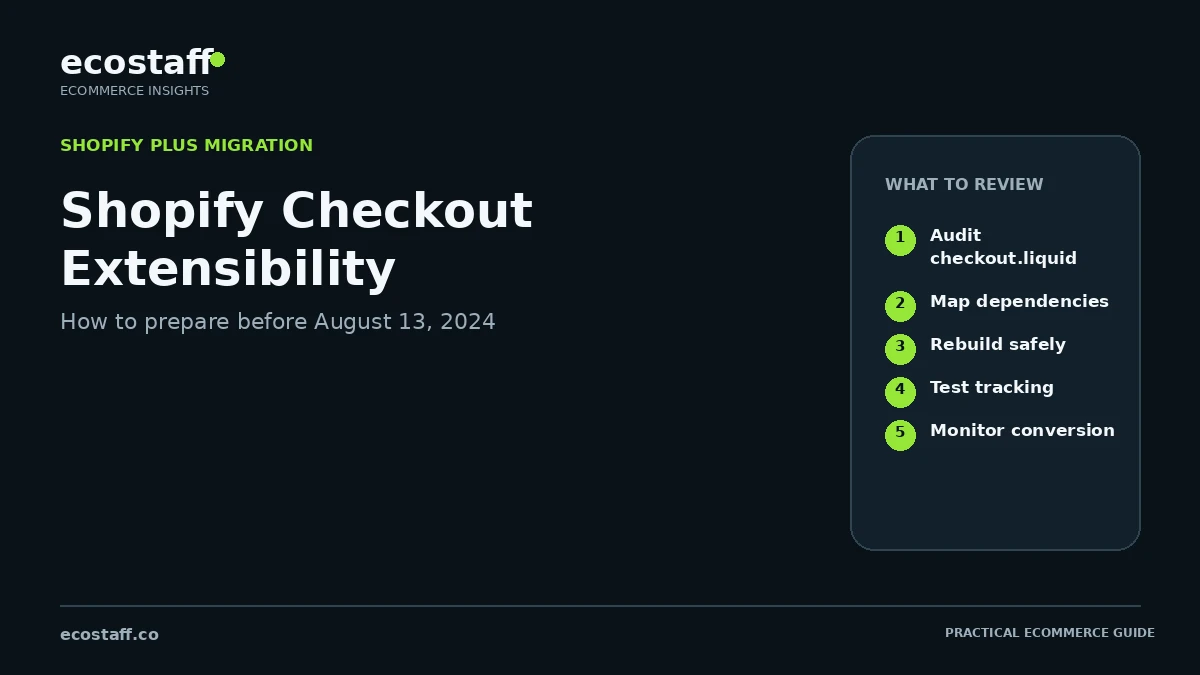
Shopify Plus merchants using checkout.liquid for the Information, Shipping and Payment pages needed to migrate those customizations to Checkout Extensibility before August 13, 2024. Shopify documented that the old in-checkout customization path would stop working after that date.
For eCommerce teams, this was not a simple theme upgrade. A proper migration required an inventory of checkout.liquid code, scripts, apps, tracking, UI changes and business rules, followed by a mapping to checkout UI extensions, Shopify Functions, pixels, branding APIs or app-based alternatives. The safest approach was to test the new checkout against the real order journey before the deadline.
Checkout is one of the highest-risk parts of an eCommerce stack because a small implementation error can affect revenue immediately. Shopify’s move away from checkout.liquid therefore mattered far beyond developers: marketing, analytics, operations, loyalty, fraud, payments and customer-experience teams could all have dependencies hidden inside the old checkout.
By 2024, Checkout Extensibility had become the new architecture for customizing Shopify’s in-checkout experience. Shopify positioned it as upgrade-safe, app-based and more secure than direct Liquid customization. For Plus merchants still relying on checkout.liquid, the August deadline created a concrete migration project.
What exactly changed on August 13, 2024?
Shopify’s developer documentation states that the checkout Liquid object and checkout.liquid customizations for the Information, Shipping and Payment pages were deprecated for that part of checkout on August 13, 2024. Merchants using checkout.liquid on those pages needed to upgrade to Checkout Extensibility before the deadline.
Shopify treated post-checkout pages separately. Thank you and Order status pages had a later migration timeline, which is why a store could have one set of deadlines for in-checkout pages and another for post-purchase customization.
| Area | Legacy approach | Modern direction |
|---|---|---|
| Information, Shipping, Payment pages | checkout.liquid customizations | Checkout Extensibility, checkout UI extensions, Shopify Functions, checkout editor and related APIs |
| Branding | Liquid/CSS customization | Checkout branding and editor capabilities |
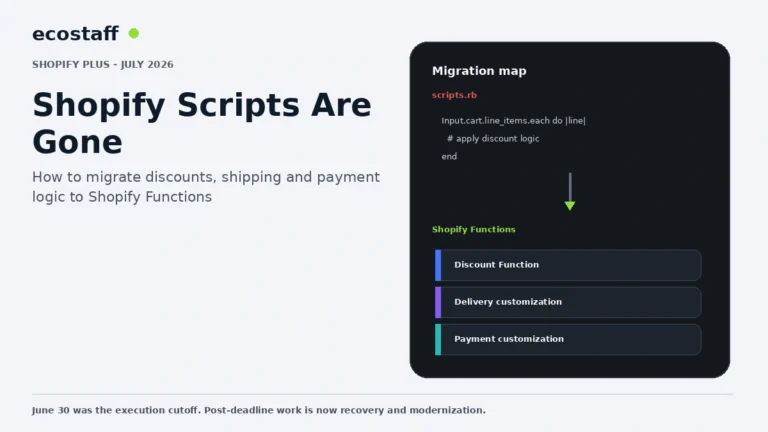
| Business logic | Custom scripts or Liquid-dependent behavior | Shopify Functions and app-based logic where supported |
| Analytics and pixels | Injected scripts | Customer events / pixels and supported integrations |
| Thank you / Order status | Legacy scripts and checkout.liquid remained on a later timeline | Extensible post-checkout pages with a separate migration deadline |
Why Shopify moved away from checkout.liquid
Direct Liquid customization gave Plus merchants significant flexibility, but it also created long-term maintenance and security challenges. Shopify’s extensibility model uses controlled components and APIs so merchants can customize checkout without owning the entire checkout document.
- Upgrade safety: customizations are less likely to break when Shopify changes checkout internals.
- Security: extensions and APIs run within more controlled boundaries than arbitrary theme-level code.
- Performance: Shopify can optimize the checkout foundation while keeping extension points consistent.
- App compatibility: merchants can use approved extension surfaces instead of injecting overlapping scripts.
- Shop Pay compatibility: the architecture is designed to support Shopify’s accelerated checkout experience.
Step 1: inventory every checkout.liquid customization
Do not begin by opening the checkout editor and trying to recreate what you remember. The first task is to inventory the old implementation line by line and business rule by business rule.
Visual and content customizations
List logos, colors, spacing changes, messaging, trust content, delivery notices, custom fields and any conditional blocks. Some can move to checkout branding or editor settings; others may require a UI extension.
Business logic
Identify code that changes discounts, shipping, payment behavior, validation, product rules or order handling. These are the areas most likely to require Functions, apps or backend changes rather than a visual extension.
Analytics and marketing scripts
Many Shopify Plus stores historically used checkout.liquid to inject analytics or marketing scripts. These need separate review because modern checkout pixels use defined event and sandbox models. A migration that visually looks correct can still damage attribution if event coverage changes.
Third-party apps
Some checkout features were installed by apps but implemented through legacy surfaces. Check whether the vendor has released a Checkout Extensibility-compatible version and whether the behavior is actually equivalent.
Step 2: map each dependency to the new Shopify architecture
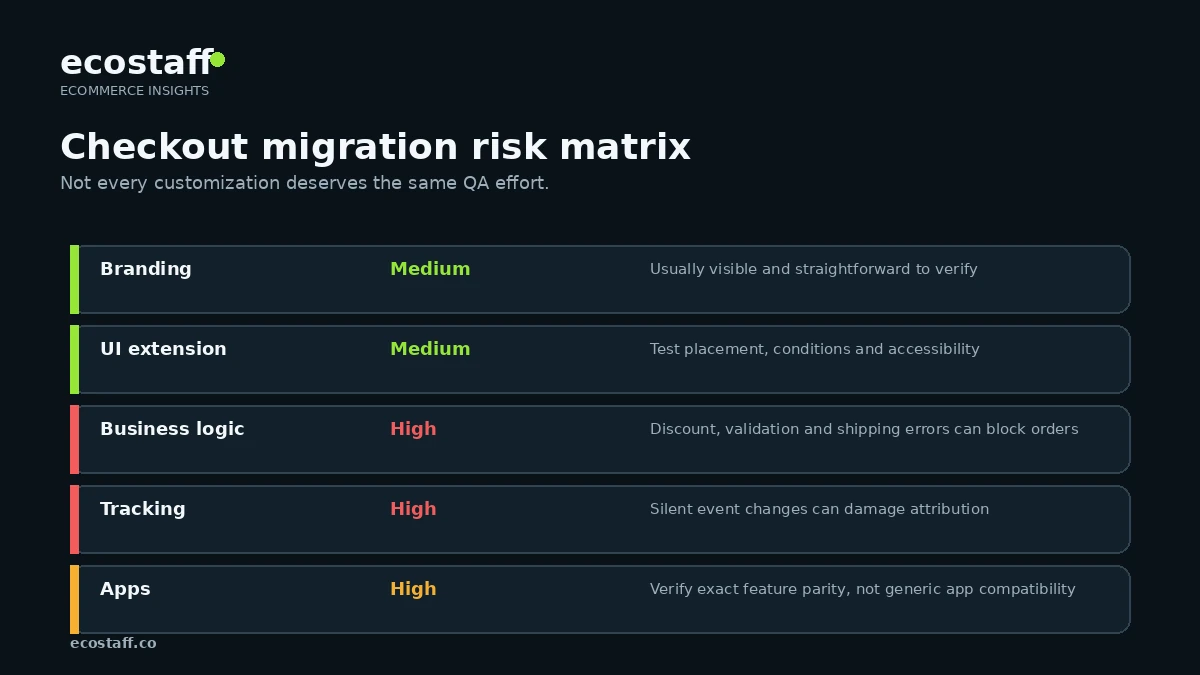
| Legacy dependency | Likely modern replacement | QA priority |
|---|---|---|
| Brand and layout changes | Checkout editor and branding APIs | Medium |
| Custom informational UI | Checkout UI extensions or compatible apps | Medium |
| Discount or checkout logic | Shopify Functions or supported apps | High |
| Analytics and pixels | Customer events / pixels / supported integrations | High |
| Custom validation | Supported validation functions or extensions | High |
| App-injected checkout features | Vendor’s Checkout Extensibility implementation | High |
Step 3: build a migration test plan
The most important checkout test is not whether the page loads. It is whether the business’s real order scenarios still work. Create a test matrix based on the store’s highest-value and highest-risk paths.
- Guest checkout and logged-in checkout.
- Domestic and international addresses.
- Single-item and multi-item carts.
- Discount codes, automatic discounts and promotions.
- Subscription or bundle products if relevant.
- Multiple shipping methods and split-shipment behavior if applicable.
- Alternative payment methods and accelerated checkout.
- Tax-exempt or B2B scenarios where relevant.
- Tracking events from checkout start through purchase.
- Post-purchase order and CRM/ERP data flow.
Tracking is a separate migration workstream
Marketing teams often discover checkout dependencies late because analytics scripts were added years earlier and no longer have a clear owner. Before removing legacy code, document which events, parameters and destinations it supports. Then compare the new customer-event or app integration against the same business requirements.
Do not judge success only by whether a purchase event fires. Compare transaction IDs, value, currency, product data, consent behavior, duplicate-event risk and the relationship between browser-side and server-side integrations.
What should a Shopify Plus merchant do before changing checkout?
- Export or document the current checkout.liquid implementation.
- Identify every customization owner and business purpose.
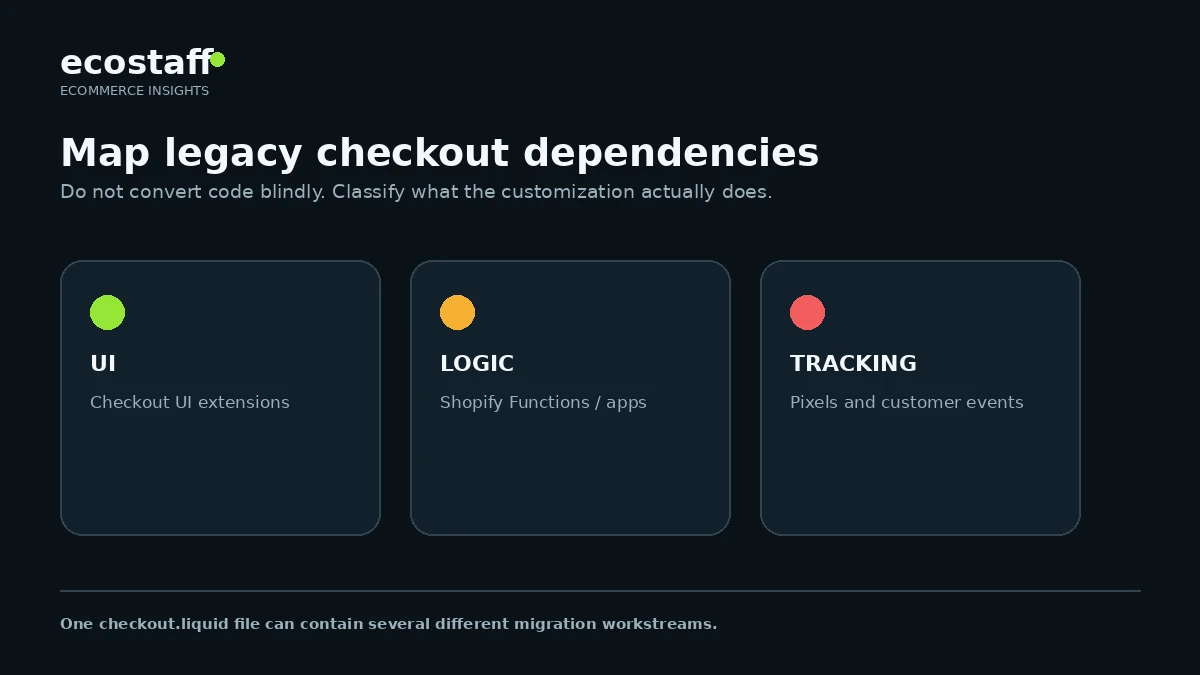
- Classify each dependency as branding, UI, logic, tracking or third-party app behavior.
- Check whether the required Checkout Extensibility capability is available for the store and plan.
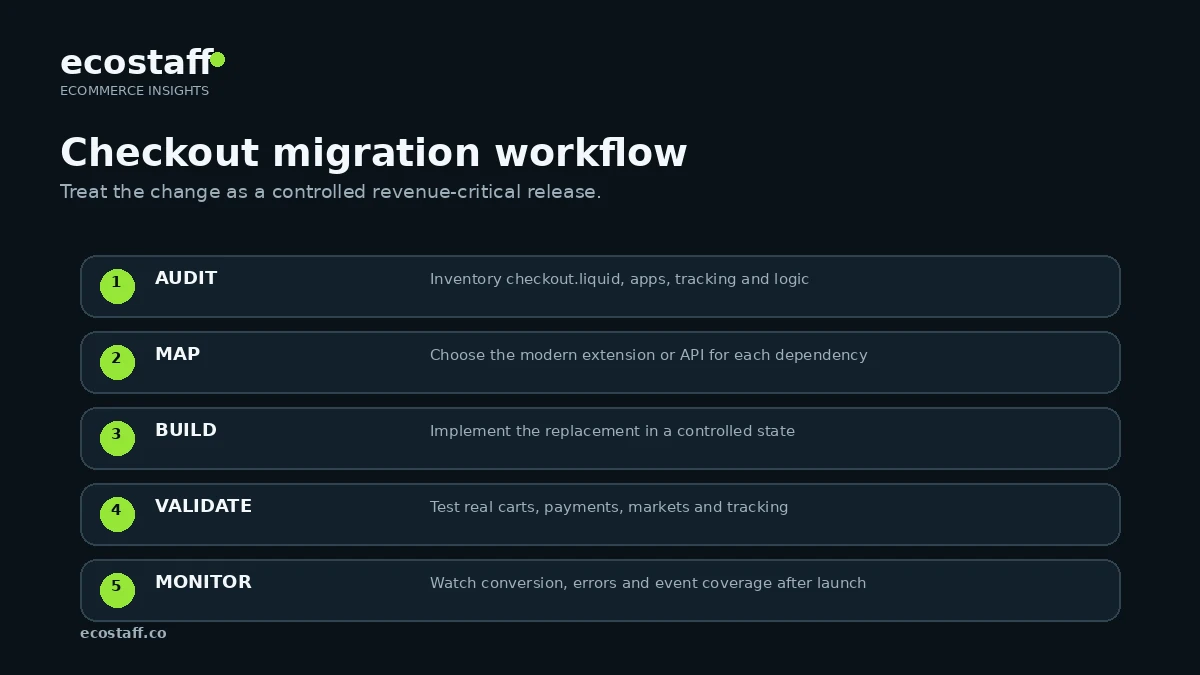
- Build the replacement in a controlled environment or draft checkout configuration.
- Create real order scenarios for QA.
- Validate analytics, pixels and consent separately from visual QA.
- Schedule the release when engineering, marketing and operations can monitor it.
- Compare checkout conversion and error rates after launch.
- Keep a documented list of what changed and why.
Common checkout migration mistakes
Rebuilding the look but not the logic
A new checkout can appear identical while shipping restrictions, validation or tracking behavior has changed. The migration checklist must be functional, not only visual.
Assuming every app is ready
An app may claim Shopify compatibility while a specific legacy checkout feature still depends on an old surface. Verify the exact feature and test it.
Moving all tracking at once without a baseline
When every pixel, consent integration and analytics event changes on the same day, attribution differences are difficult to diagnose. Capture a baseline and compare the new implementation systematically.
Waiting until the deadline
Checkout migrations often surface dependencies that nobody remembers owning. A deadline-driven emergency leaves little time for vendor fixes or alternative designs.
How to evaluate an agency for Checkout Extensibility work
The right partner should be able to explain the migration as a dependency and QA problem, not merely as a theme task. Ask how they audit checkout.liquid, how they handle Functions and extensions, what they do with analytics, and how they test real order scenarios.
You can compare Shopify-focused companies on Ecostaff. The Shopify Winter ’24 review also covers the broader platform changes surrounding Checkout Extensibility, while the agency-selection framework can help evaluate delivery risk.
Frequently asked questions
Did checkout.liquid disappear everywhere in August 2024?
No. The August 13, 2024 deadline applied to the Information, Shipping and Payment pages. Shopify documented a later timeline for Thank you and Order status pages.
Is Checkout Extensibility only a design system?
No. It includes multiple extension and API surfaces, including UI extensions, Functions, pixels and checkout configuration capabilities. The correct mechanism depends on the legacy requirement.
Can a merchant simply remove old checkout customizations?
Technically, some stores may choose a simpler default checkout. Operationally, every removed customization should still be checked for a business dependency such as tracking, validation, customer communication or order logic.
Does every Shopify store need an agency for the migration?
No. Stores with limited custom checkout behavior may handle the upgrade internally or through app vendors. Complex Plus implementations with custom logic, multiple markets, B2B, analytics or many checkout apps benefit more from specialist support.
Sources and further reading
- Shopify developer docs – checkout Liquid object deprecation
- Shopify Changelog – Extensibility for Thank you and Order status pages
- Shopify Partner Blog – Checkout Extensibility overview
- Shopify Partner Blog – What’s new for developers in 2024
Conclusion
The 2024 checkout.liquid deadline was a platform-architecture change, not a cosmetic theme update. The safest Shopify Plus migrations started with a complete dependency inventory, mapped each requirement to the right modern surface and tested the purchase journey as a business system.
Checkout Extensibility reduces the need to own fragile checkout code, but the migration still requires disciplined QA. The merchants that treated it as a cross-functional release were in a much better position than those that treated it as a last-minute front-end task.